
Kitchen Interior Design AI | AI Home Design
Kitchen interior design AI helps you preview kitchen redesign ideas from a real photo before you commit to cabinet paint, counters, backsplash, lighting, hardware, or decor. A kitchen is expensive to change, so a quick visual concept can prevent costly decisions.
Start with the AI room design generator, upload a kitchen photo, choose a style, and compare several realistic directions.
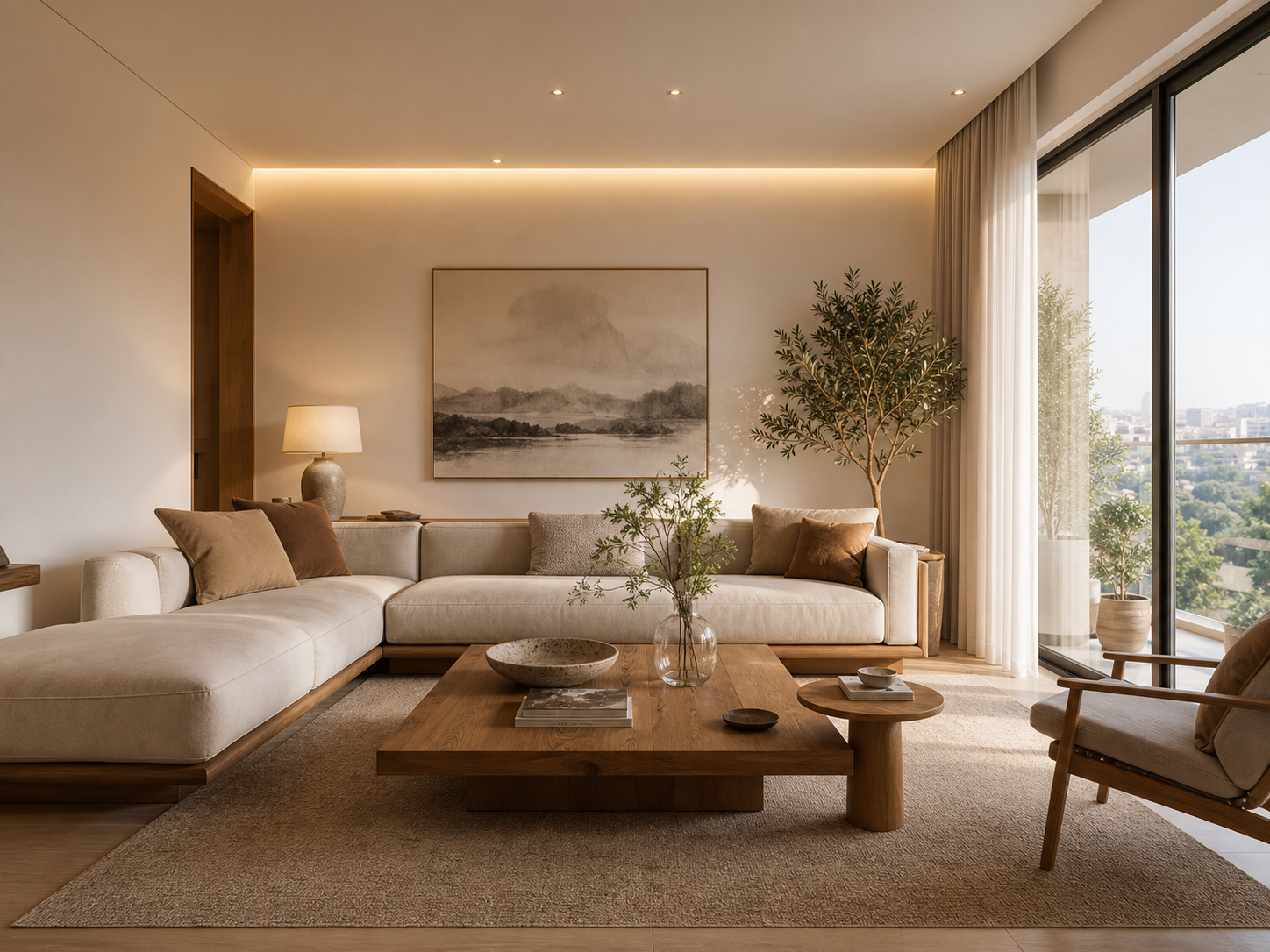
What kitchen interior design AI can help with
AI kitchen design works best as an early planning layer. It can show possible directions for:
- Cabinet color and finish.
- Wall color and backsplash mood.
- Countertop tone.
- Pendant lights and under-cabinet lighting.
- Rug, stools, and decor.
- Open shelf styling.
- Warm, modern, Scandinavian, farmhouse, Japandi, or quiet luxury direction.
It should not replace measurements, contractor advice, plumbing, electrical planning, ventilation requirements, or building codes. Treat it as a visual planning draft.
Kitchen design decisions to preview first
Cabinet color
Cabinets control the room more than almost any other surface. Test warm white, greige, sage, dark blue, walnut, black, and natural wood before painting or refacing.
Backsplash direction
Backsplash changes can make a kitchen feel new without replacing every major element. Try light tile, stone texture, vertical tile, quiet zellige, slab backsplash, or simple painted wall concepts.
Lighting
Many kitchens look dated because the lighting is flat. Preview warmer lighting, pendants over an island, under-cabinet light, and softer ambient light.
Hardware and fixtures
Hardware is small, but it changes the style signal. Compare black, brass, nickel, chrome, and bronze based on the cabinet and counter color.
Floor and rug tone
If you cannot replace flooring, use the AI concept to see which cabinet and wall colors work with the existing floor.
How to use AI for kitchen redesign
- Take a wide photo that shows cabinets, counters, floor, lighting, and windows.
- Remove items that create visual noise if possible.
- Upload the kitchen photo.
- Choose kitchen as the room type.
- Pick a style preset or write a clear prompt.
- Generate one concept.
- Use edit mode to test cabinet color, backsplash, lighting, or decor separately.
Kitchen prompts work best when they are specific. Instead of "make it modern," try "warm modern kitchen with light oak, off-white cabinets, simple stone counter, soft pendant lighting, minimal decor."
Kitchen styles to compare
- Warm modern kitchen: practical, clean, and inviting.
- Scandinavian kitchen: pale wood, light counters, simple hardware.
- Japandi kitchen: quiet materials, low clutter, natural texture.
- Modern farmhouse kitchen: warmer, more traditional, still clean.
- Quiet luxury kitchen: stone, soft lighting, refined neutrals.
- Industrial kitchen: darker contrast, metal, and stronger lines.
For a broader room workflow, see virtual room redesign. For bedroom-focused planning, use the AI bedroom design generator.
FAQ
Can AI redesign my kitchen from a photo?
Yes. Upload a clear kitchen photo and choose a design style. The generator can create a kitchen redesign concept while trying to keep the original layout and camera angle believable.
Can AI show different cabinet colors?
Yes. Generate a full kitchen concept first, then use targeted edits to test cabinet color, wood tone, backsplash, counter tone, or lighting.
Is kitchen interior design AI accurate enough for renovation?
It is useful for visual planning, not construction. Use the preview to choose a direction, then verify dimensions, materials, budget, safety, and installation details with real measurements and professionals.
What photo works best for AI kitchen design?
Use a bright, wide photo that shows the main cabinets, counters, floor, and window light. Avoid close-up images of one counter or dark photos where cabinet lines are not visible.
Can I use this for rental kitchen ideas?
Yes. Test renter-friendly changes such as lighting, hardware, decor, rug, peel-and-stick style direction, and color planning before buying anything.
Preview a kitchen concept with kitchen interior design AI, or compare other AI room redesign ideas.